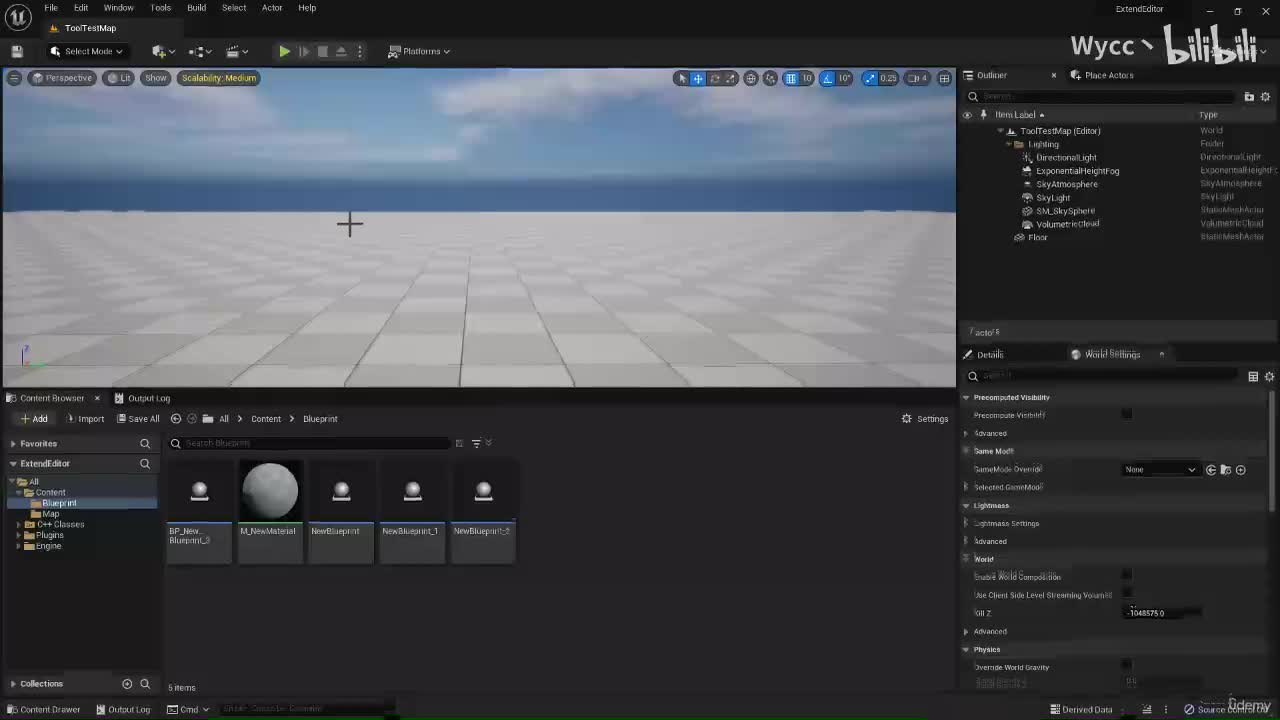
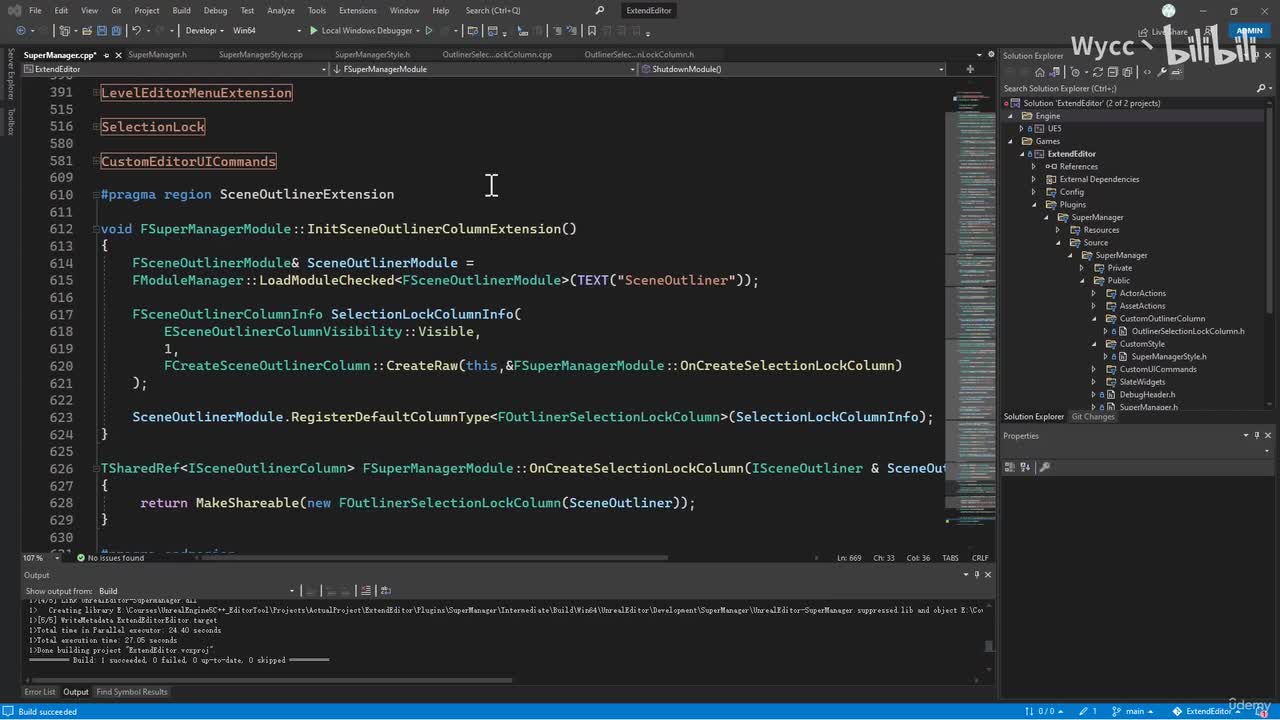
UP主: 封面: 简介:转自https://www.udemy.com/course/unrealengine5-c-one-course-solution-for-extending-editor/版权归属原作者,如涉侵权,请联系删除机翻中文,大家凑合看看吧,求个一键...
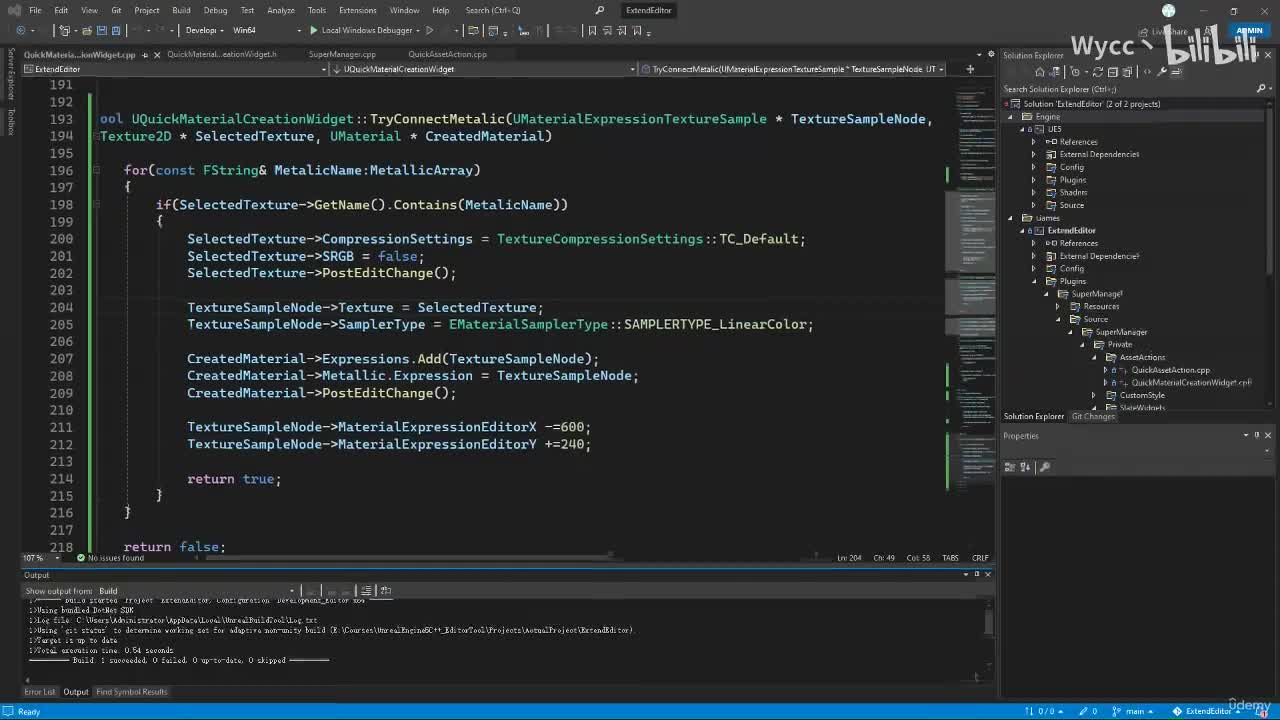
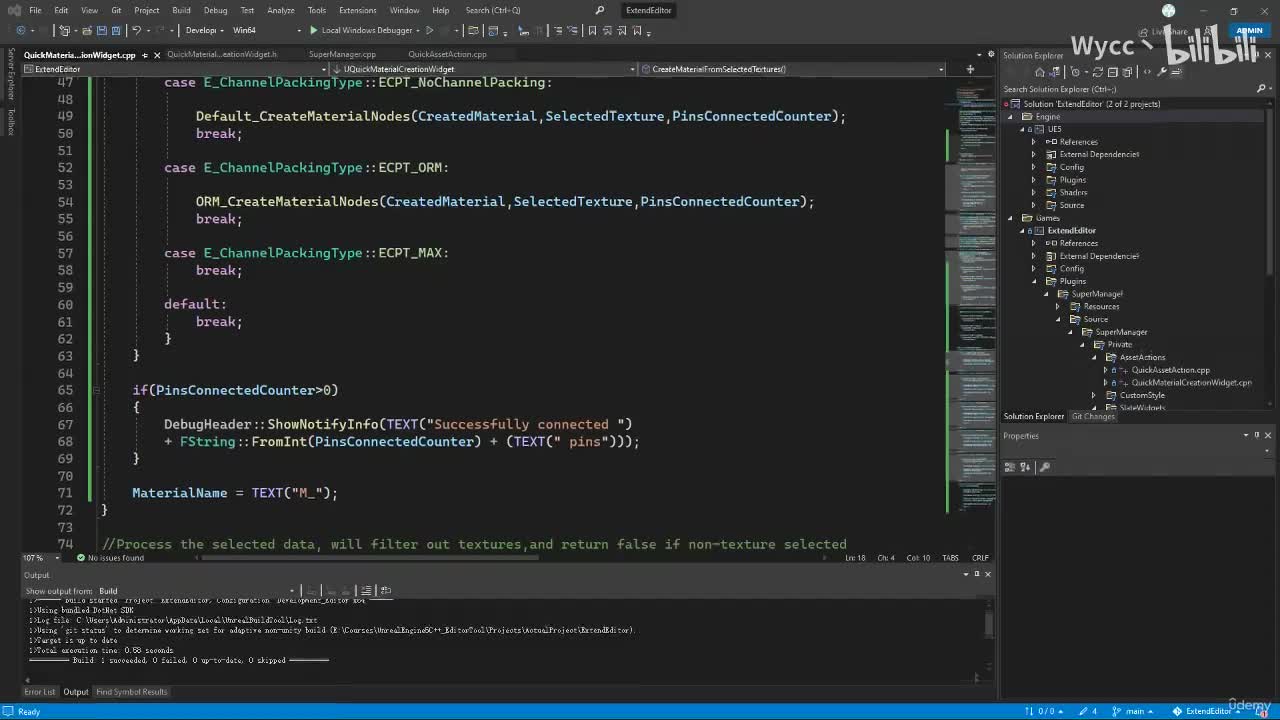
视频选集 1. Introduction_压制cn 3. Create A C++ Project_压制cn 5. Modules In Unreal_压制cn 1. Quick Asset Actions Section Overview_压制cn 2. Asset Action Utility_压制cn 3. Create A Debug Header_压制cn 4. Asset Batch Duplication_压制cn 5. Custom Editor Message_压制cn 6. Add Prefixes To Assets_压制cn 7. Coding Challenge Remove _Inst_压制cn 9. Delete Unused Assets From Selection_压制cn 10. Fix Up Redirectors From Code_压制cn 12. Section Wrap Up_压制cn 1. Extend Content Browser Menu Section Overview_压制cn 2. Delegates_压制cn 3. How To Create Custom Menu Entry_压制cn 4. Add Custom Delegate_压制cn 5. Binding Functions_压制cn 6. Search And Delete Unused Assets_压制cn 7. Coding Challenge Fix Up Redirectors From Code_压制cn 8. Recap On Delete Unused Assets_压制cn 9. Coding Challenge Add Another Menu Entry For Deleting Empty Folders_压制cn 10. Search And Delete Empty Folders_压制cn 12. Secion Wrap Up_压制cn 1. Slate Widget Section Overview_压制cn 2. What is Slate_压制cn 3. Smart Pointers_压制cn 4. Things We Want To Achieve With Slate Widget_压制cn 5. Spawn A Custom Editor Tab_压制cn 6. Set Up A Class For Slate Widget_压制cn 7. Sending Data To Slate Widget_压制cn 8. Set Up Basic Layout_压制cn 9. Sending Asset Data To Slate Widget_压制cn 10. Construct SListView_压制cn 11. Construct SChecBox_压制cn 12. Add In More Texts For Row Widget_压制cn 13. Construct SButton_压制cn 14. Delete Single Asset When Clicking The Button_压制cn 15. Refresh SListView_压制cn 16. Coding Challenge Constrcut More Buttons_压制cn 17. Delete All Selected Assets_压制cn 18. Select And Deselect All Assets In The List_压制cn 19. Construct SCombo Box_压制cn 20. Listing Unused Assets_压制cn 21. Perfecting Listing Unused Assets_压制cn 22. Coding Challenge Listing Assets With Same Name_压制cn 24. Solution Listing Assets With Same Name_压制cn 25. Sync Content Browser To Asset_压制cn 26. Add In Help Texts_压制cn 27. Section Wrap Up_压制cn 1. Custom Editor Icons Section Overview_压制cn 2. Process For Adding Custom Icons_压制cn 3. The Static Keyword_压制cn 4. Register Custom Icons_压制cn 5. Apply Icons To Menu Entries_压制cn 1. Create Material From Code Section Overview_压制cn 2. Editor Utility Widget_压制cn 3. Build An Editor Utility Widget_压制cn 4. Preparing For Material Creation_压制cn 5. Process Selected Data_压制cn 6. Check Is Name Used_压制cn 7. Create Material Asset From Code_压制cn 8. Supported Texture Names_压制cn 9. Create Node For Base Color 10. Create Node For Metalic_压制cn 11. Coding Challenge Create More Nodes For Material_压制cn 13. Solution Create More Nodes For Material_压制cn 14. Create Node For Channel Packed Texture_压制cn 15. Coding Challenge Create Material Instance_压制cn 17. Solution Create Material Instance_压制cn 19. Section Wrap Up_压制cn 1. Quick Actor Actions Section Overview_压制cn 2. Editor Actor Subsystem_压制cn 3. Actor Batch Selection_压制cn 4. Actor Batch Duplication_压制cn 5. Coding Challenge Randomize Actor Rotation_压制cn 7. Solution Randomize Actor Rotation_压制cn 8. Coding Challenge Randomize Actor OffsetScale_压制cn 10. SolutionRandomize Actor OffsetScale_压制cn 12. Section Wrap Up_压制cn_20230228-235521 1. Extend Level Editor Actor Menu Section Overview_压制cn 2. Custom Level Editor Menu Entry_压制cn 3. Select Object Event_压制cn 4. Preparing For Selection Lock_压制cn 5. Implementing Selection Lock_压制cn 6. Custom Editor Icons For Menu Entries_压制cn 7. Section Wrap Up_压制cn 1. Custom Editor Hot Keys Section Overview_压制cn 2. Preparing For Custom Hot Keys_压制cn 3. Register Custom Editor Hot Keys_压制cn 4. Function Binding For Custom Hot Keys_压制cn 6. Section Wrap Up_压制cn 1. Extend World Outliner Section Overview_压制cn 2. Preparing For Extending World Outliner_压制cn 3. Construct SHeaderRow_压制cn 4. Construct Row Widget_压制cn 5. FActorTreeItem_压制cn 6. Refresh Scene Outliner_压制cn 7. Construct Toggle Button_压制cn 8. Section Wrap Up_压制cn 1. Extra Safe Guards_压制cn 2. Package Your Plugin_压制cn 4. Where to go from here_压制cn