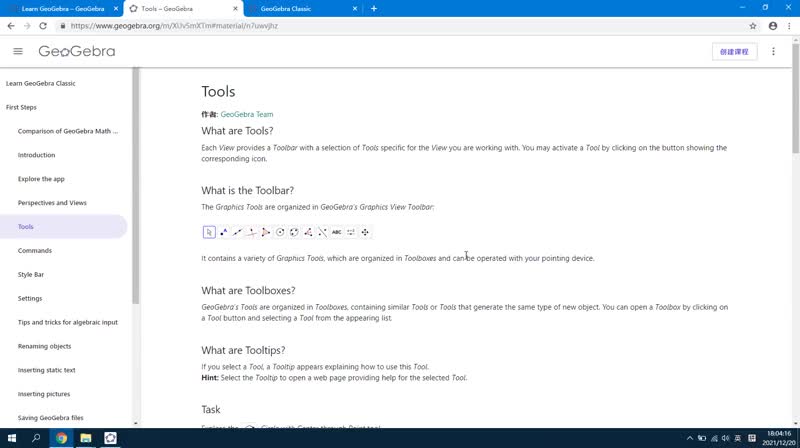
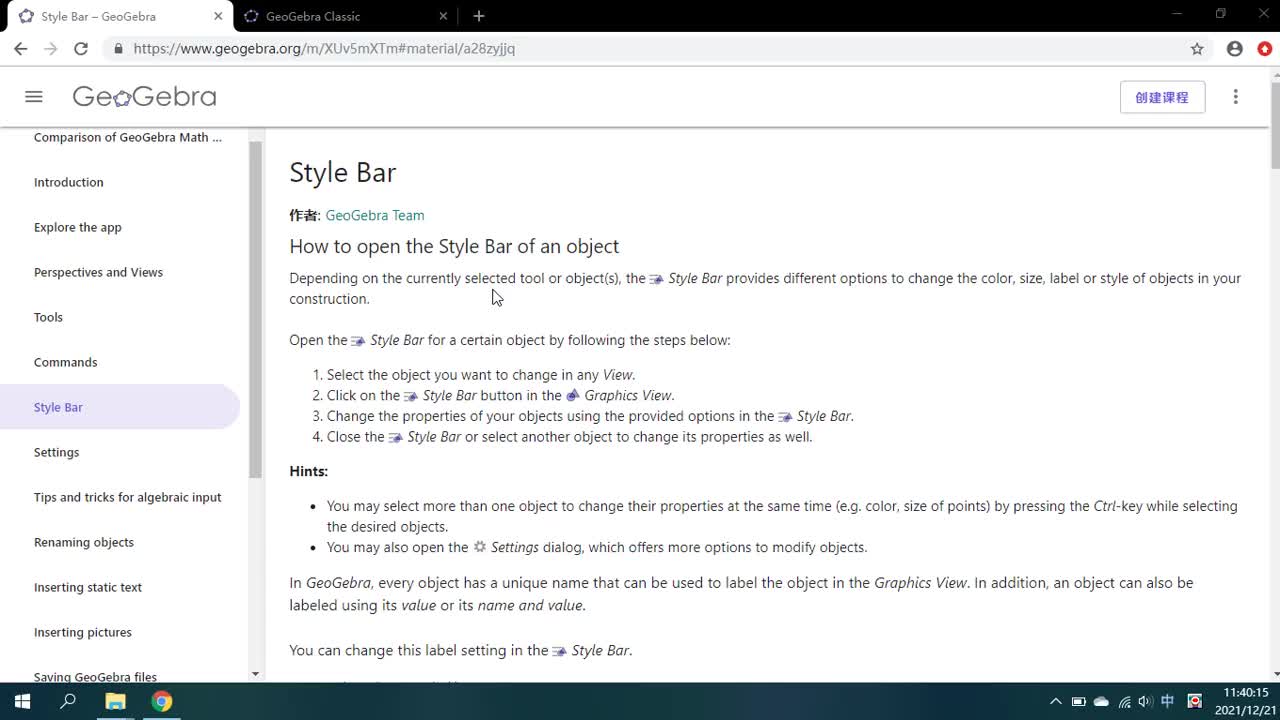
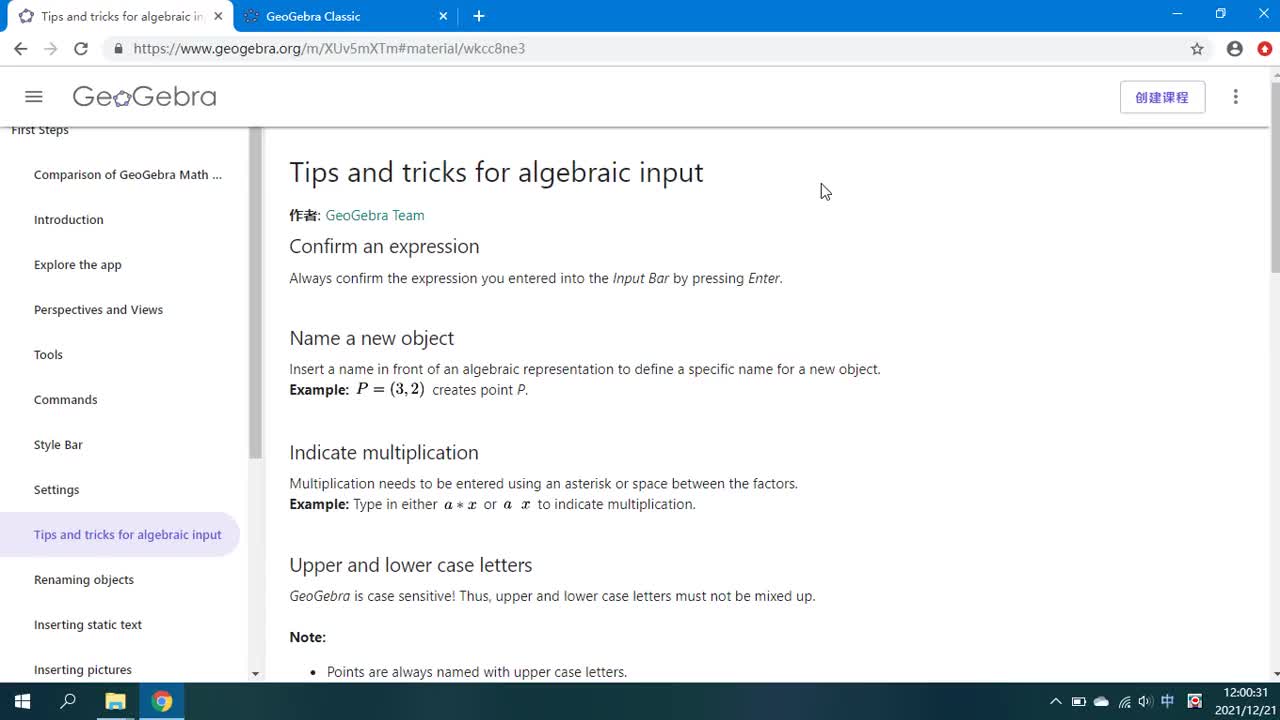
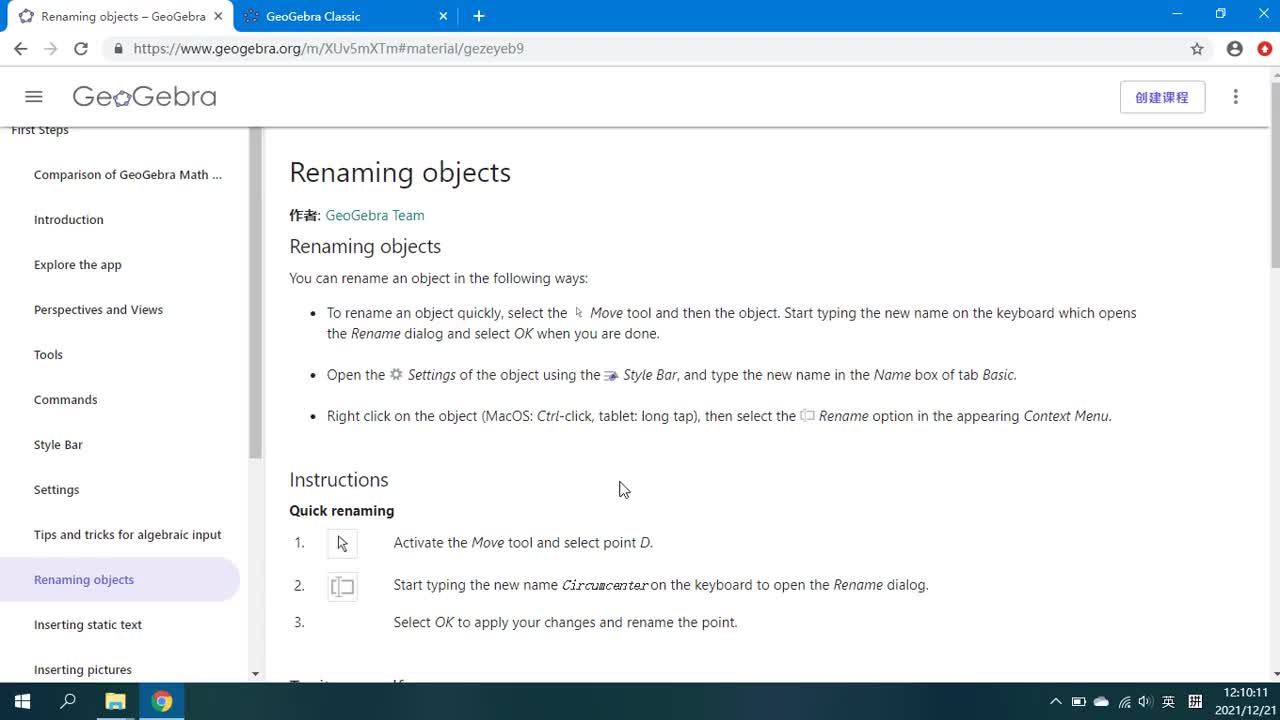
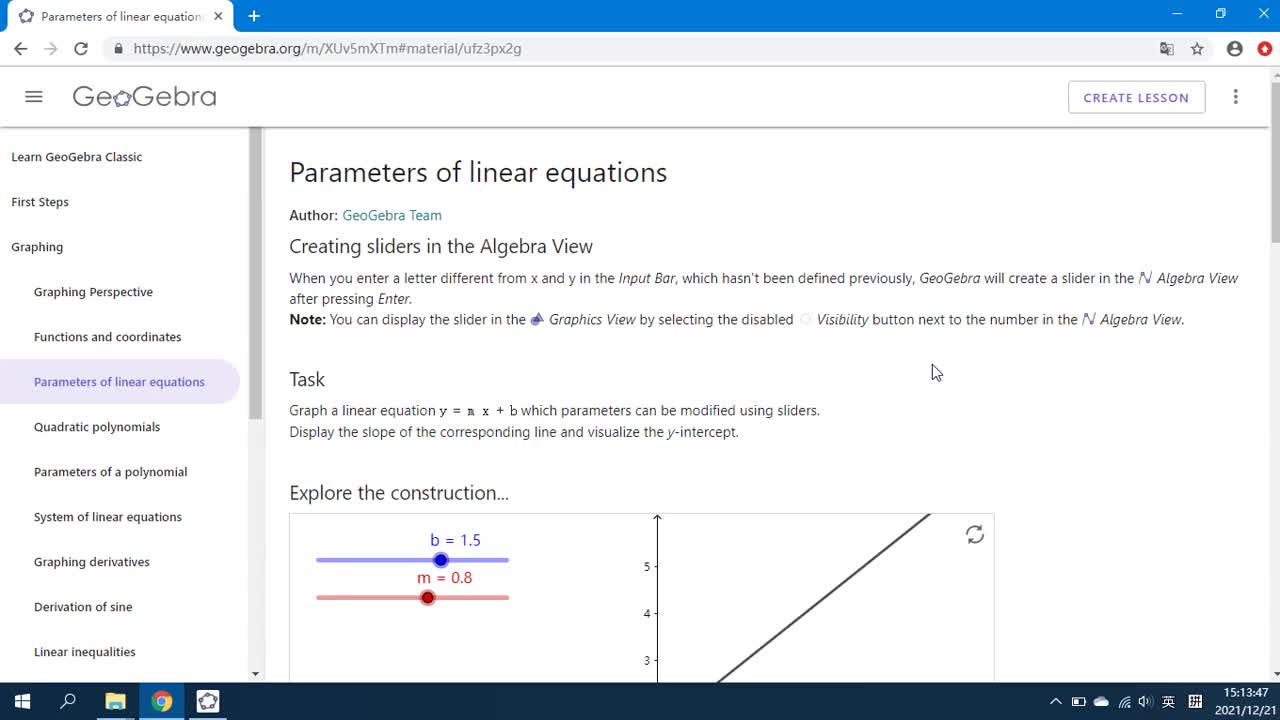
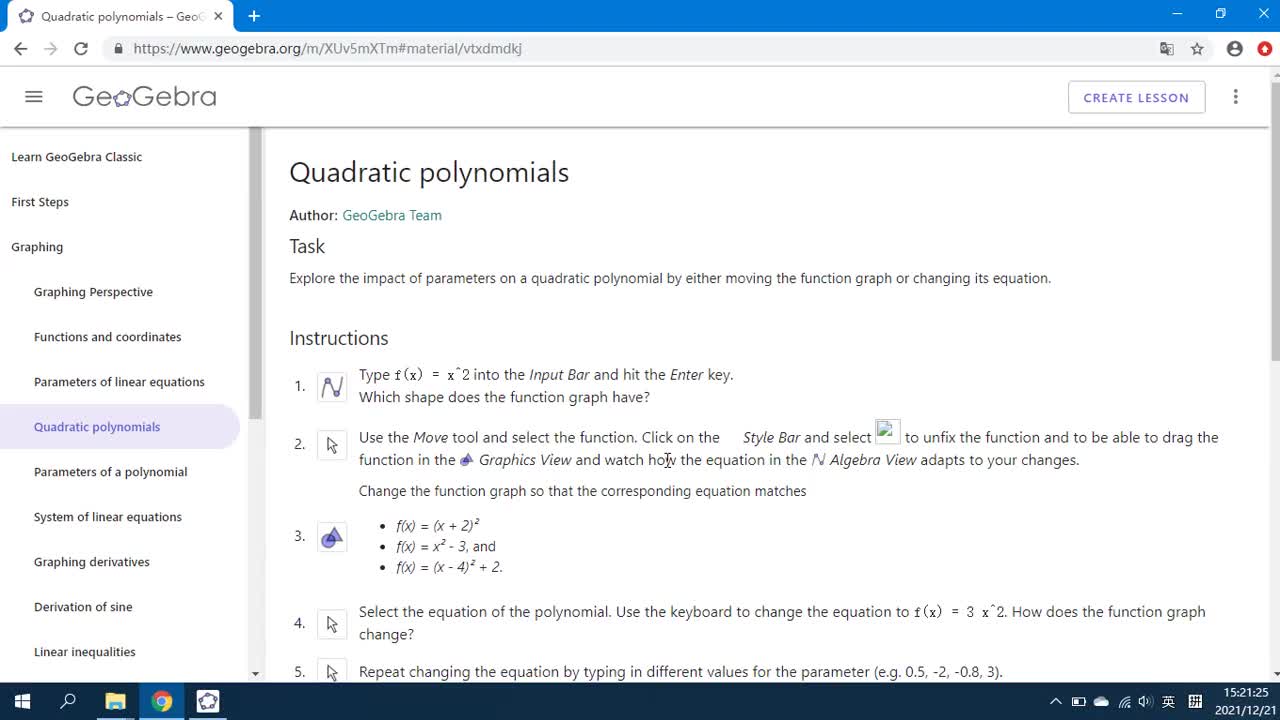
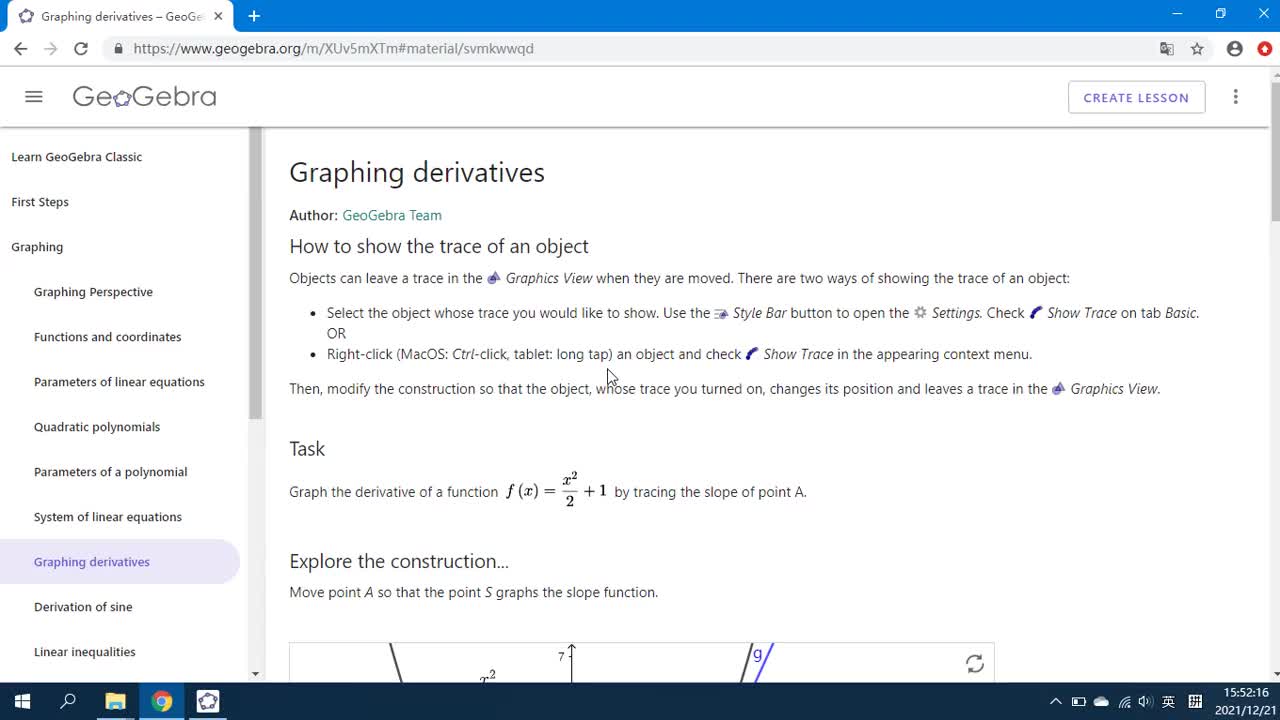
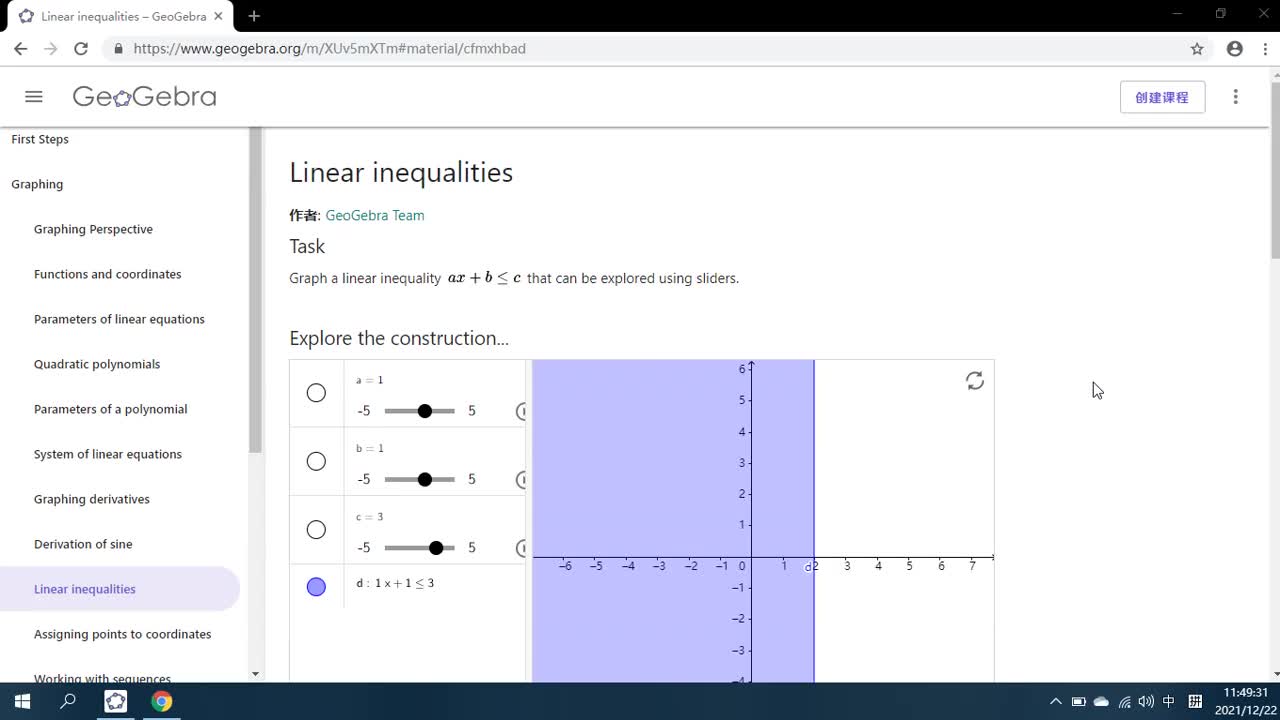
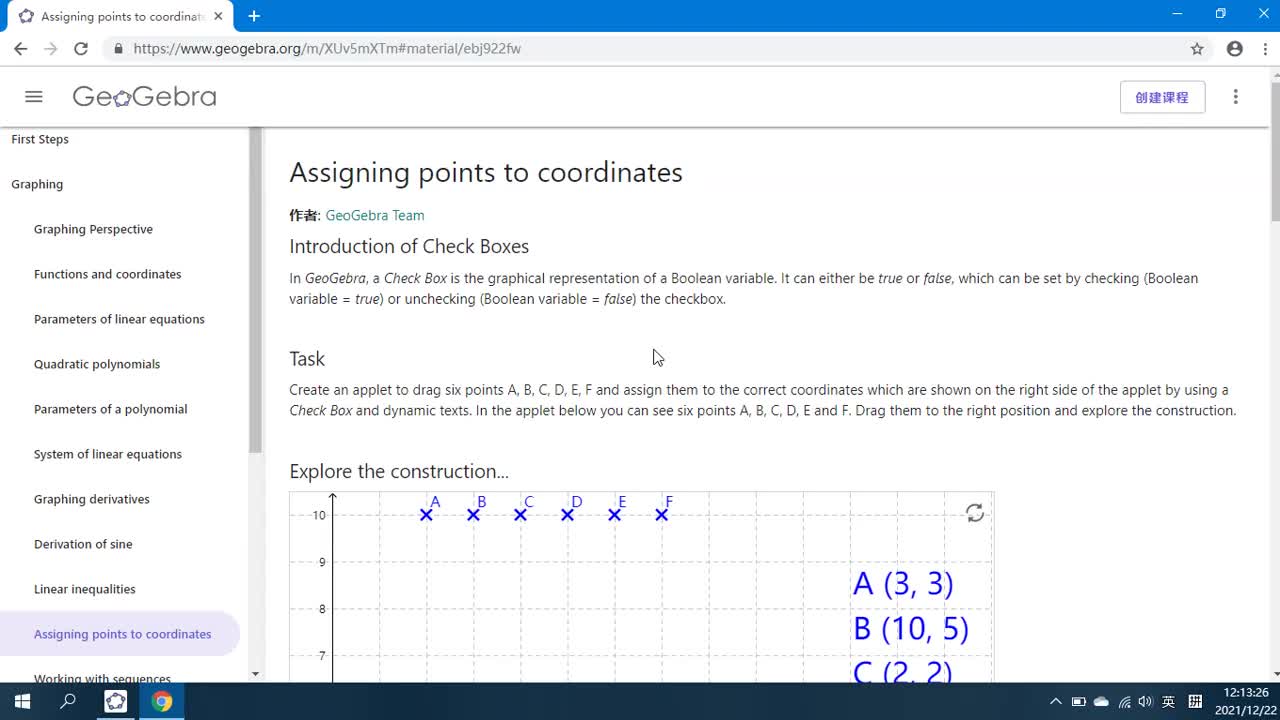
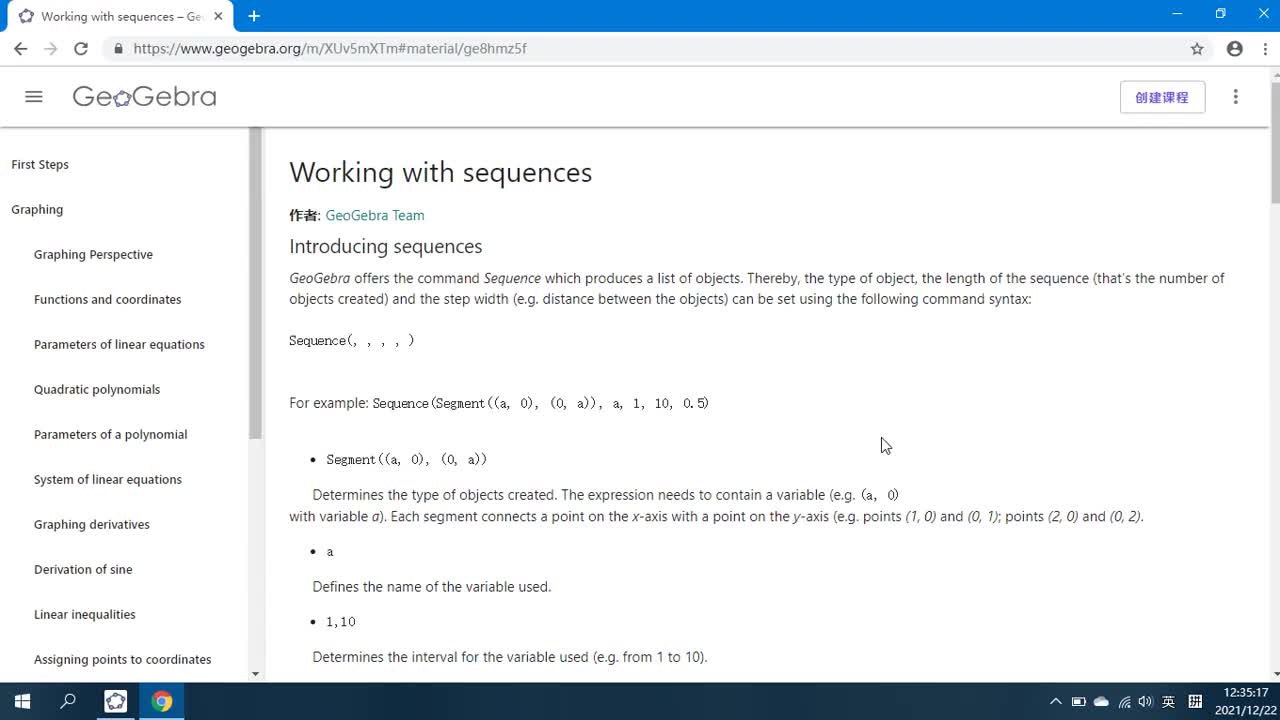
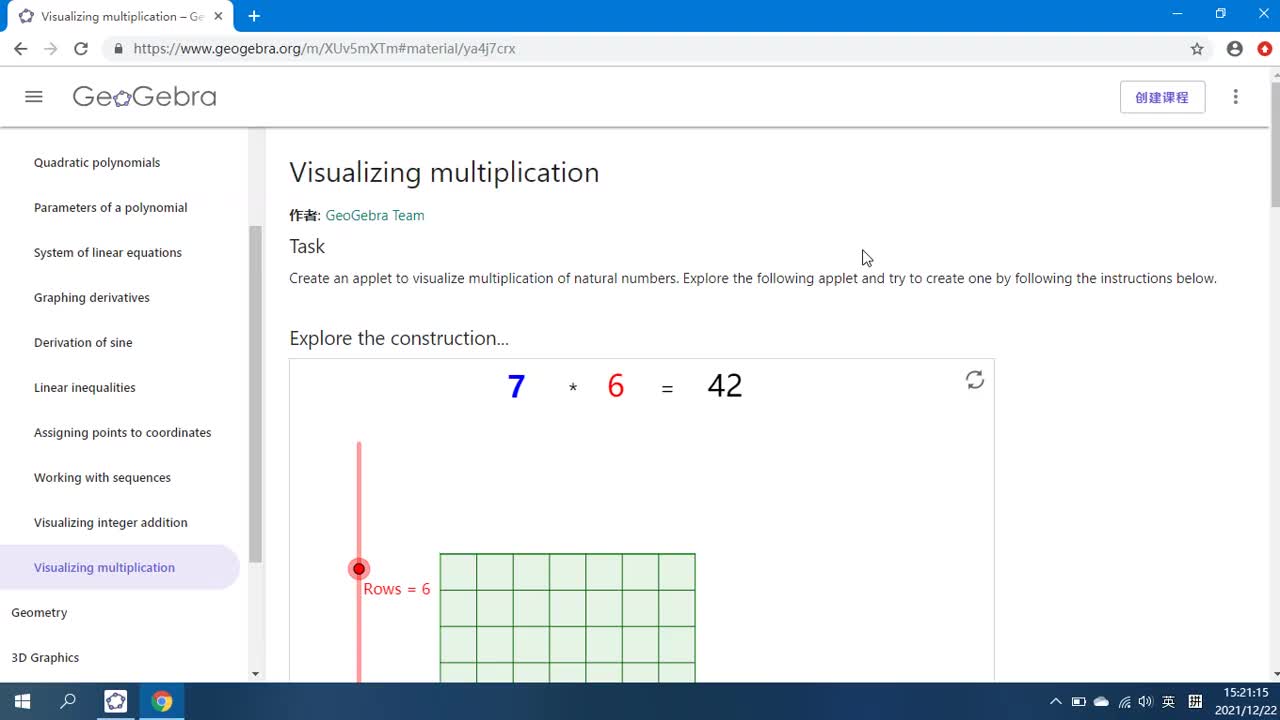
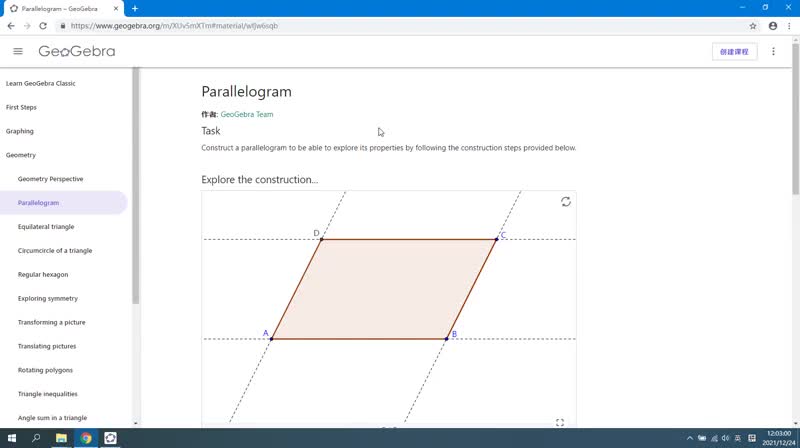
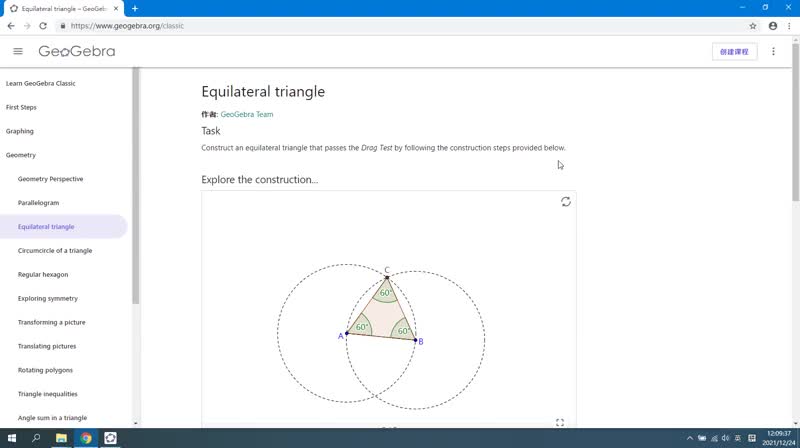
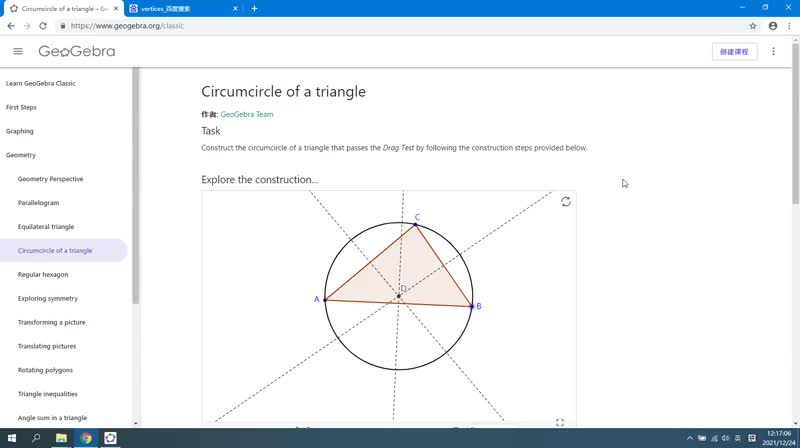
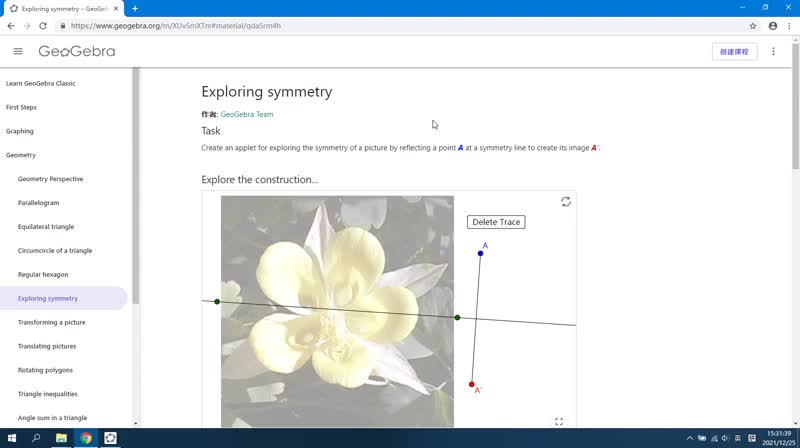
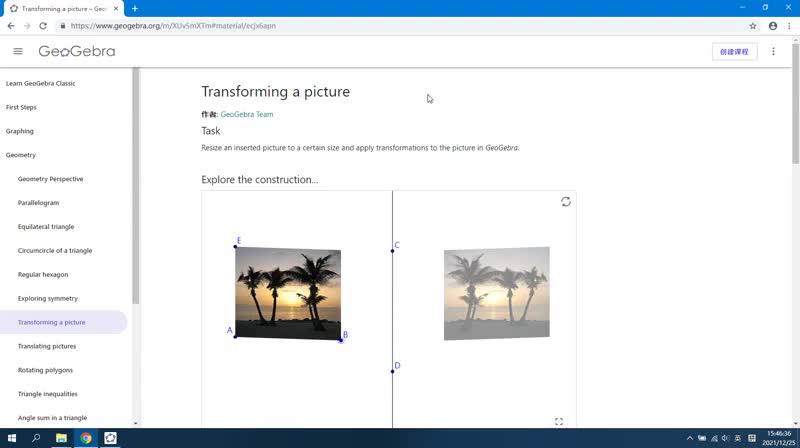
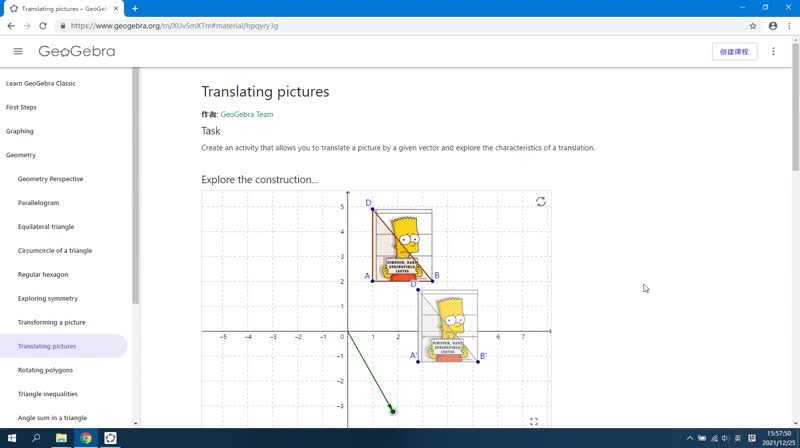
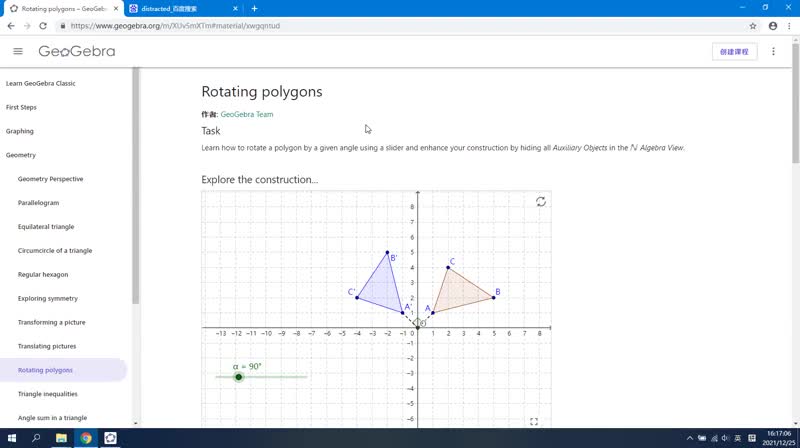
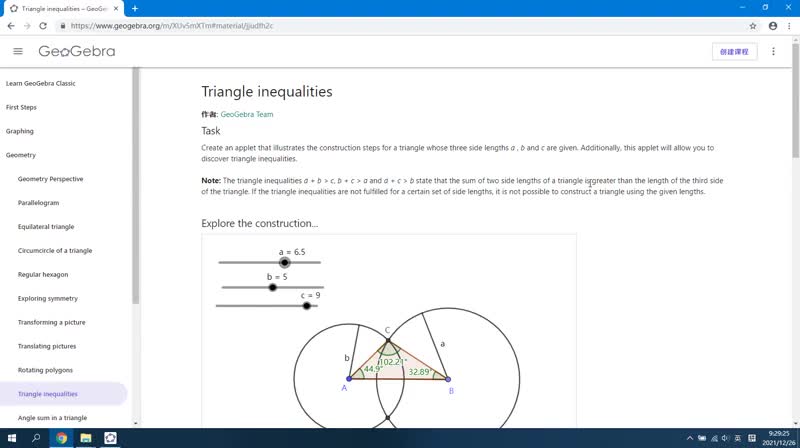
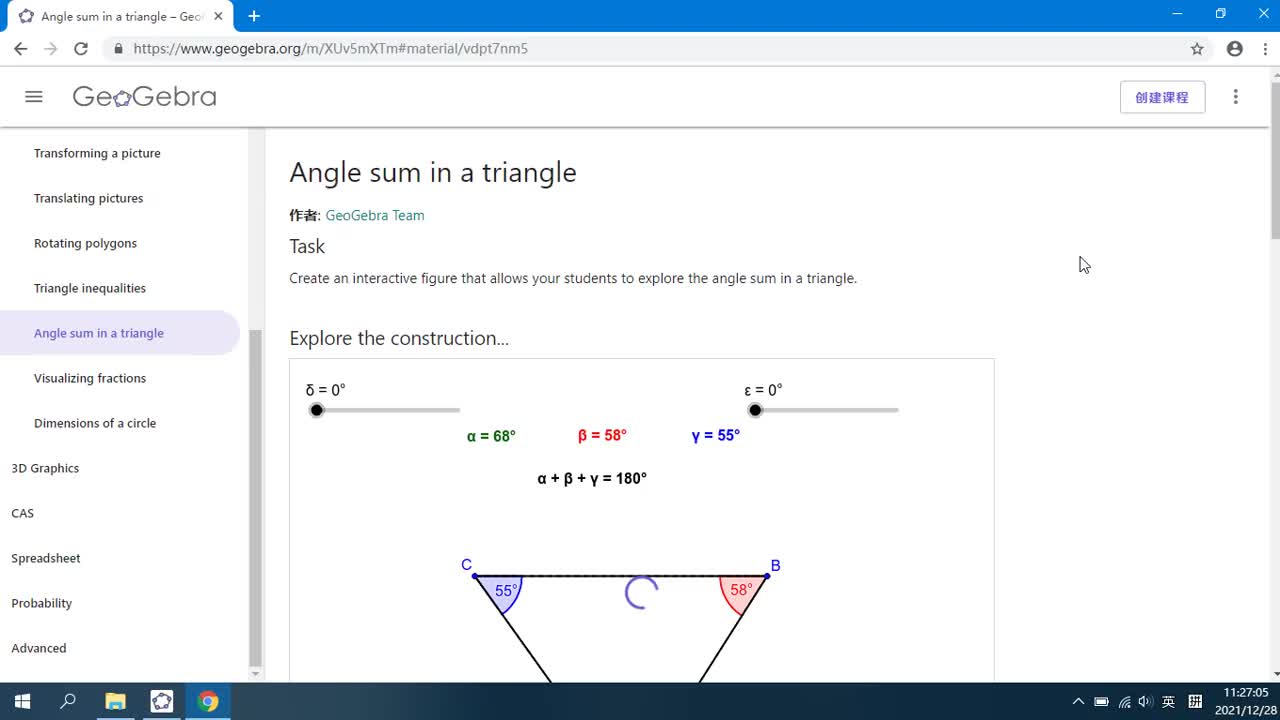
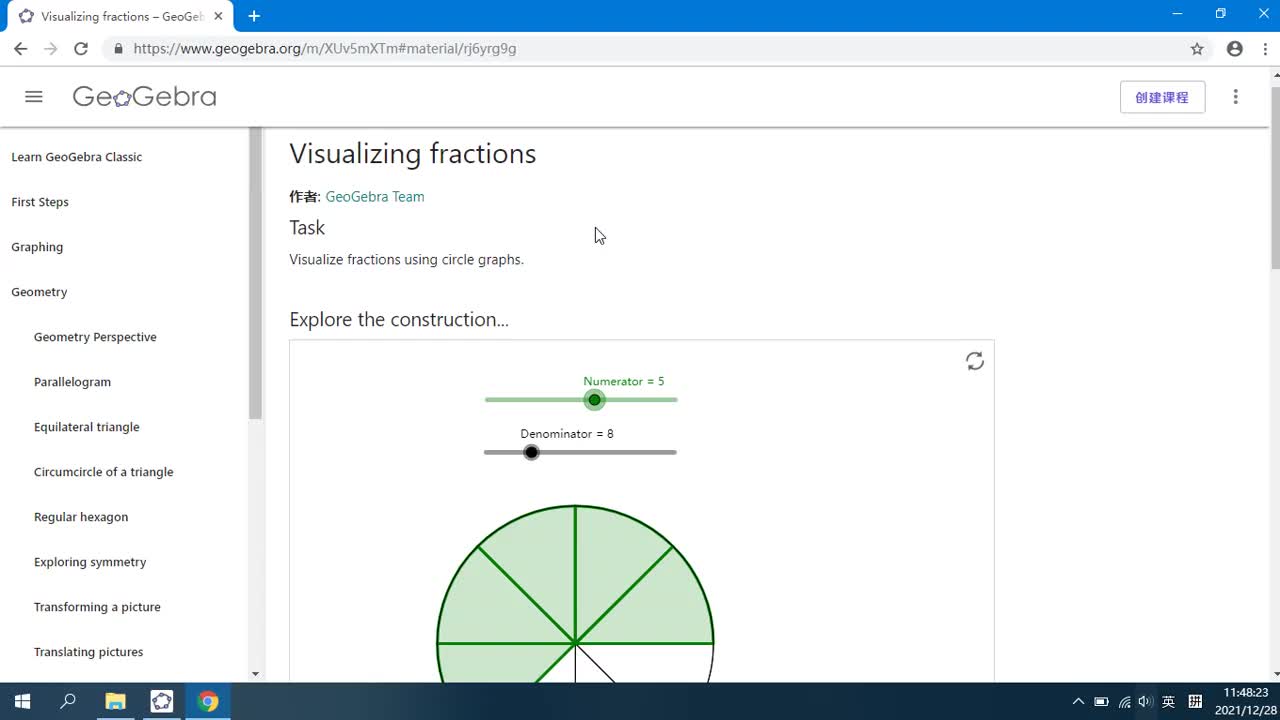
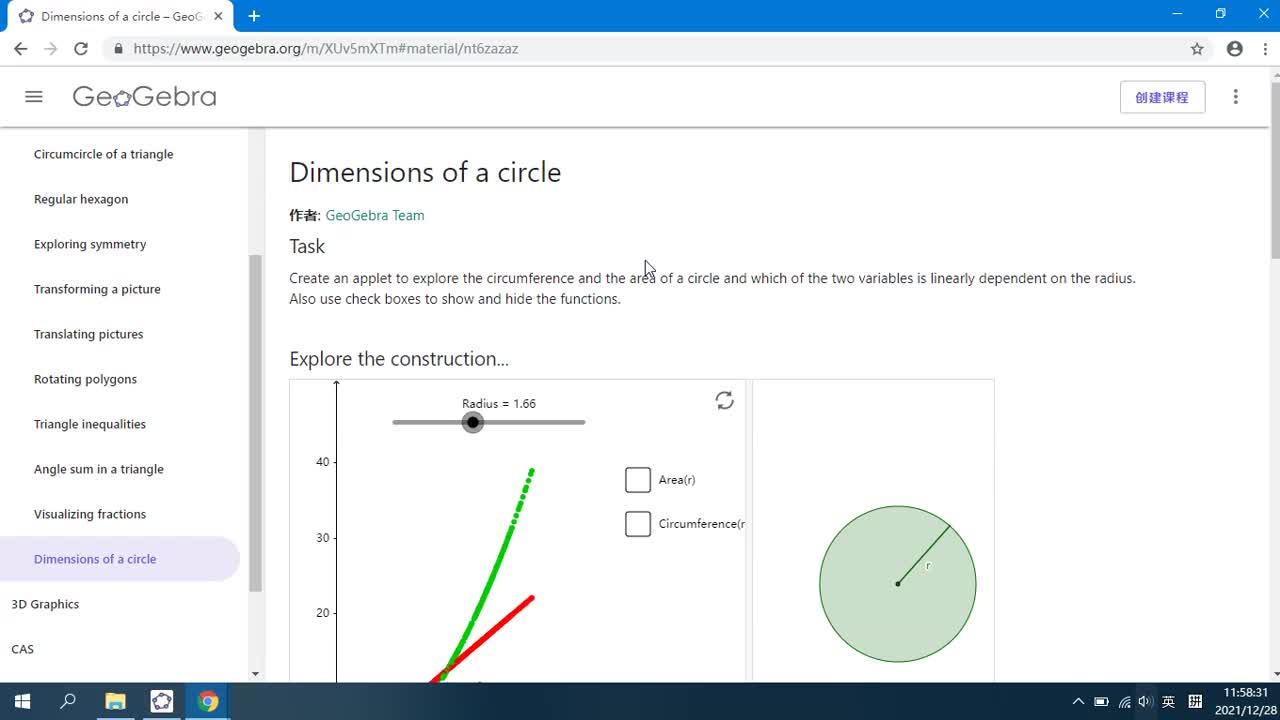
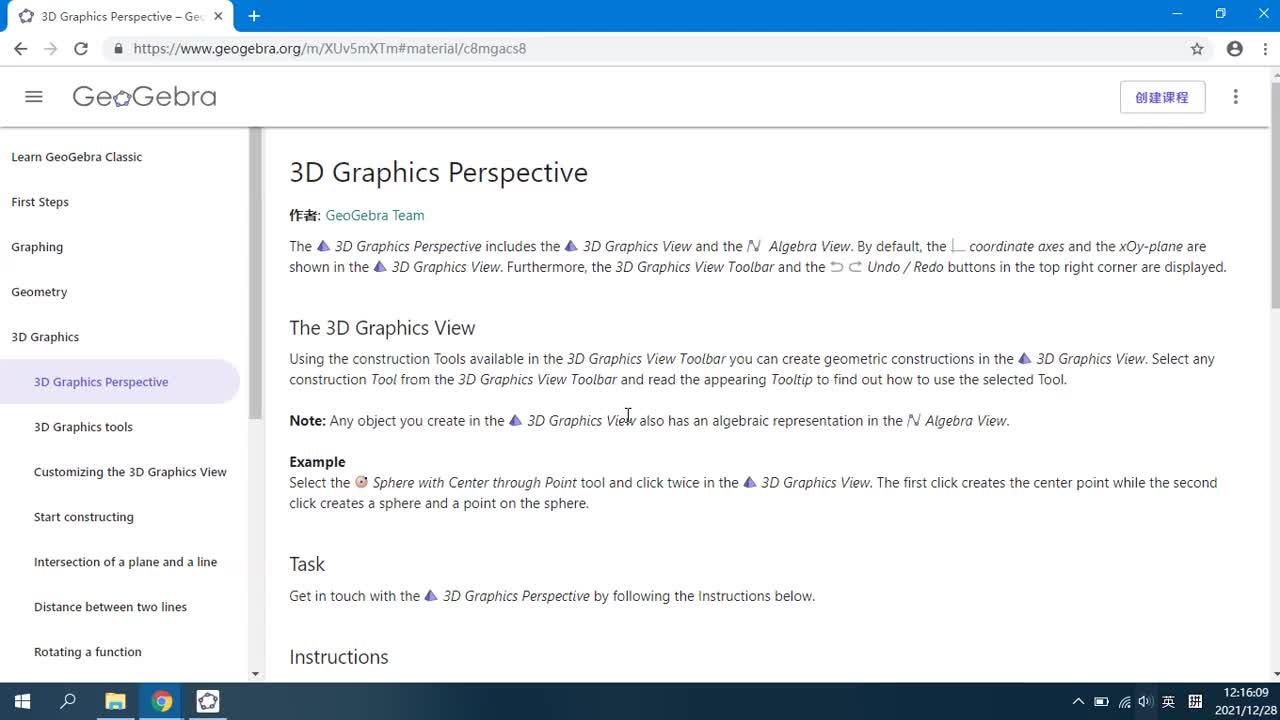
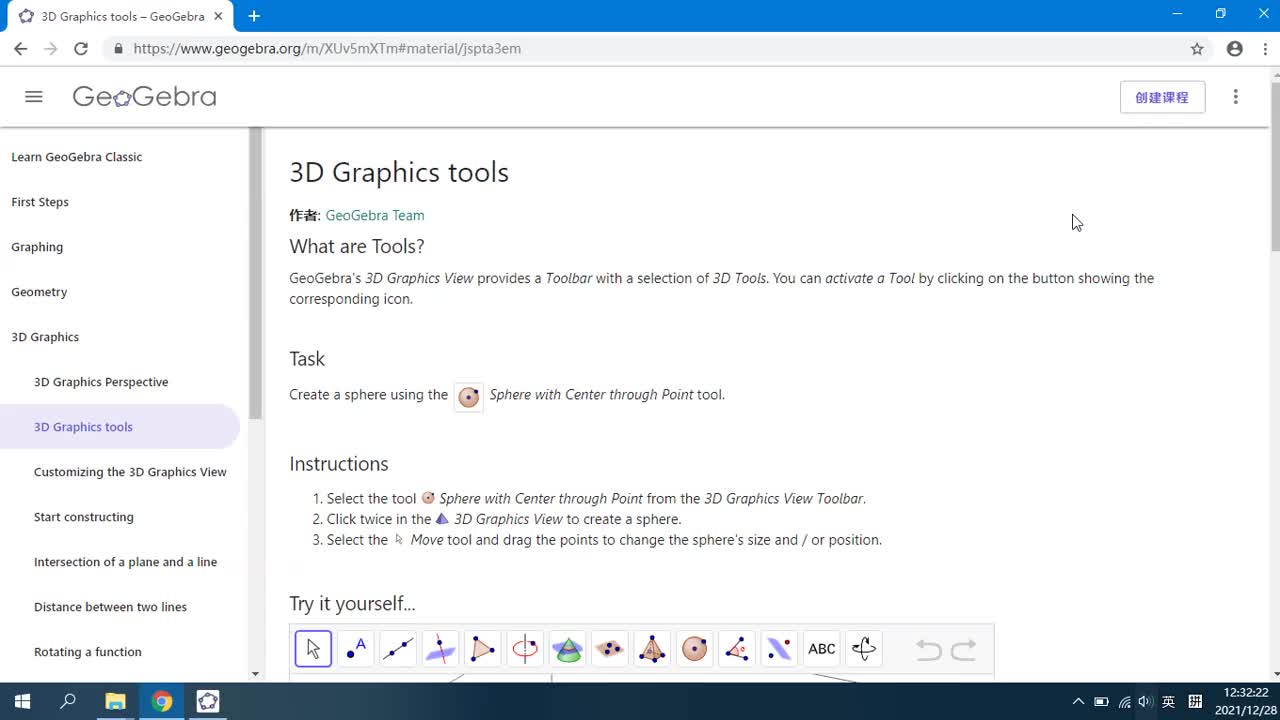
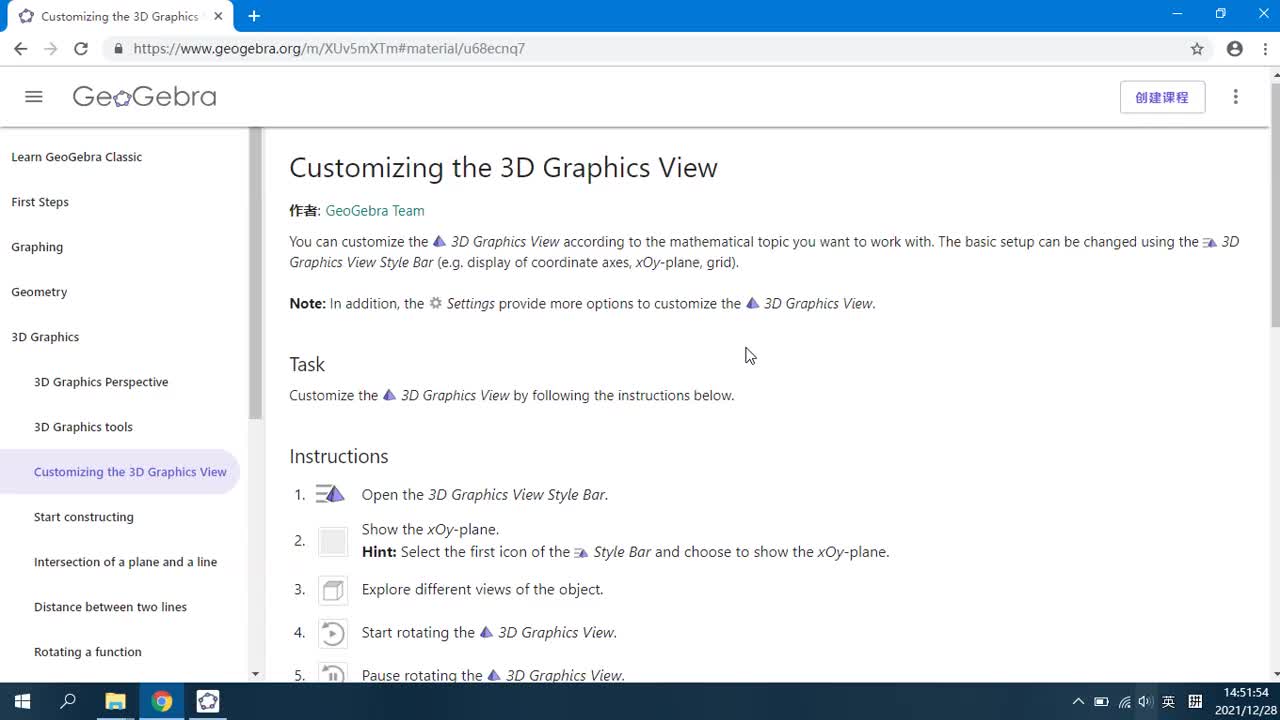
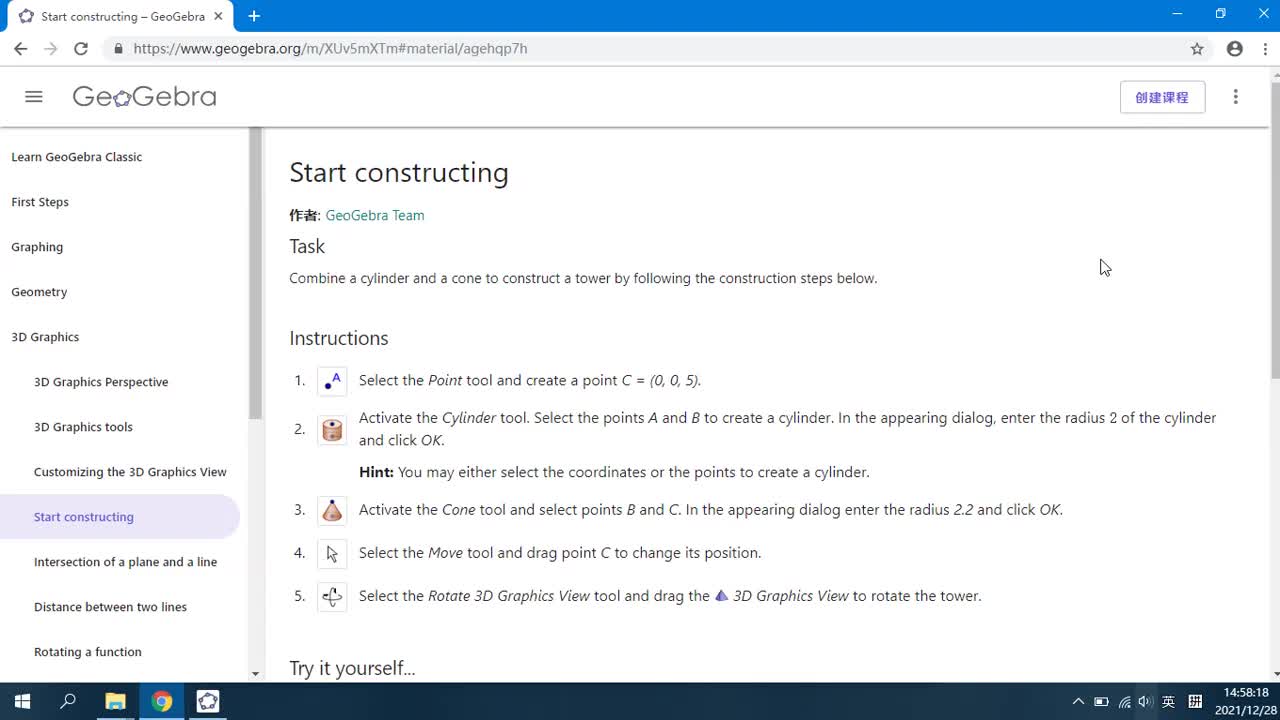
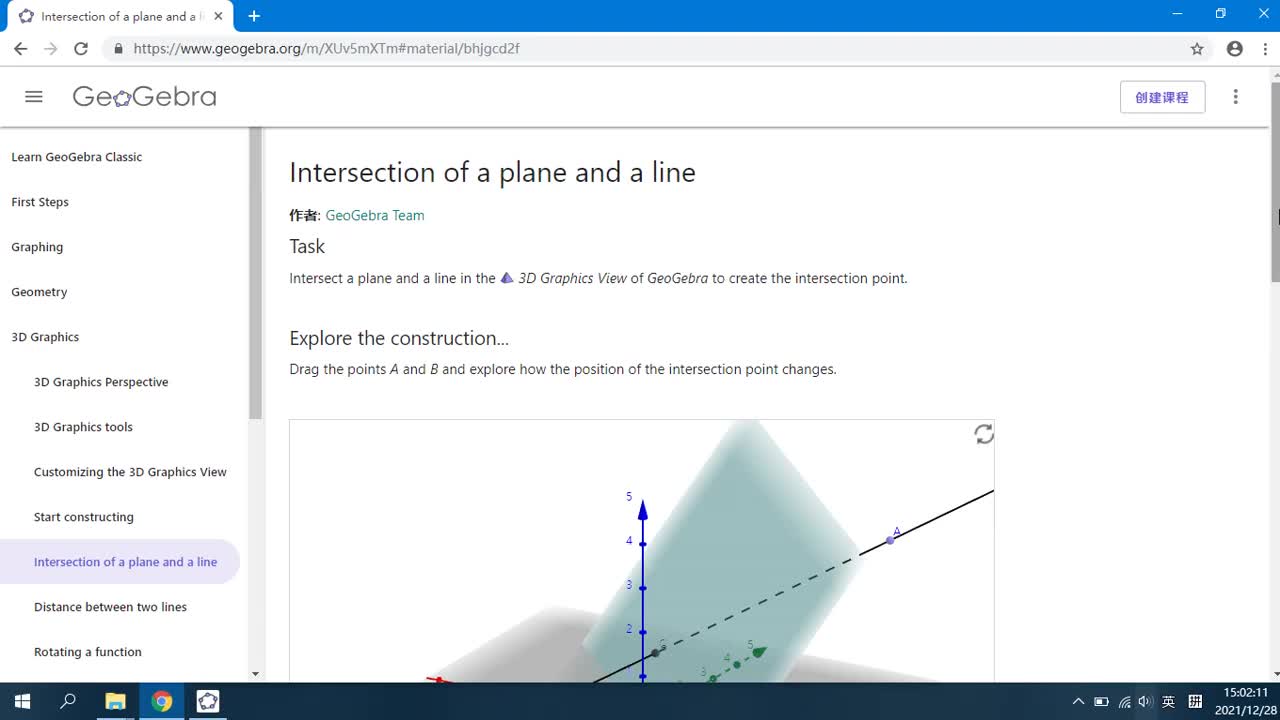
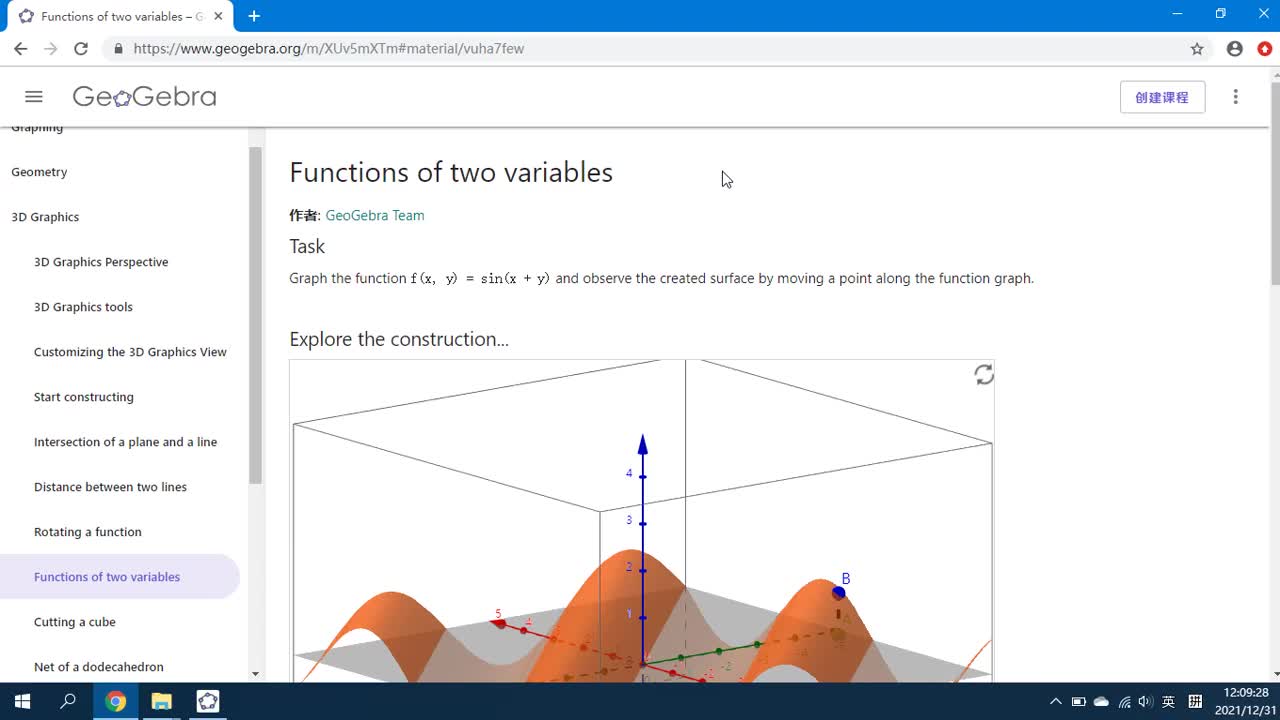
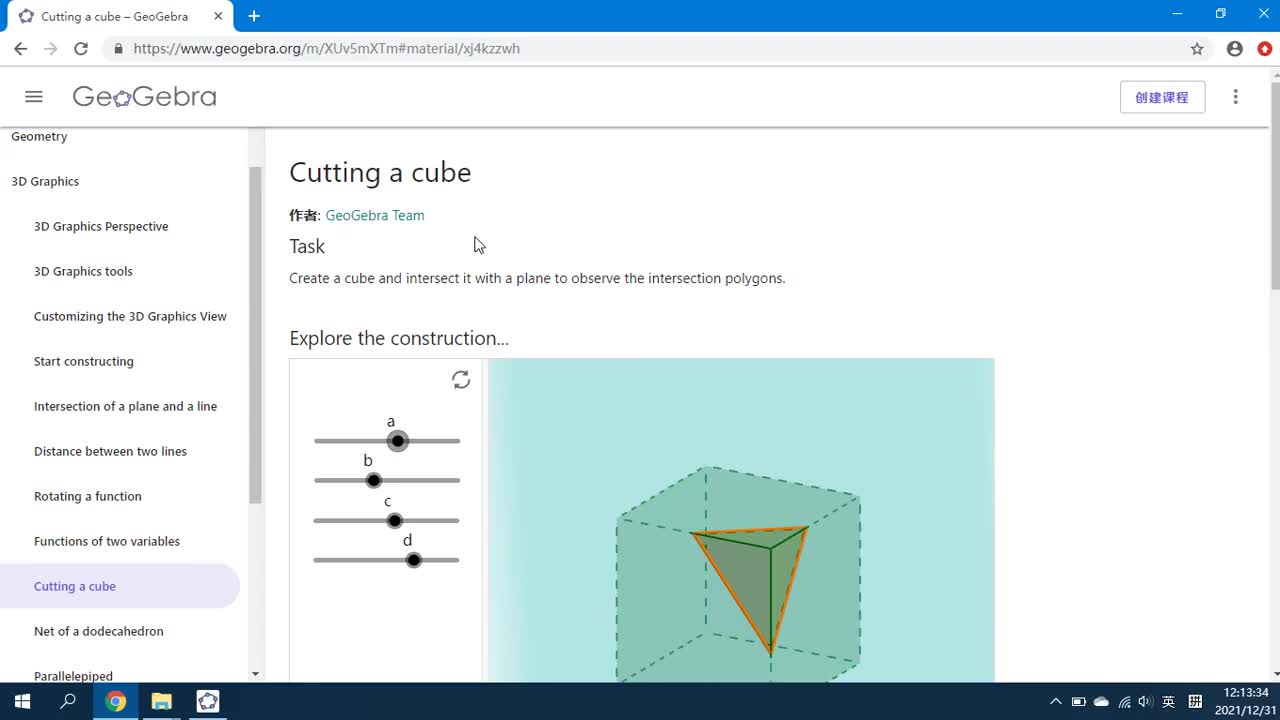
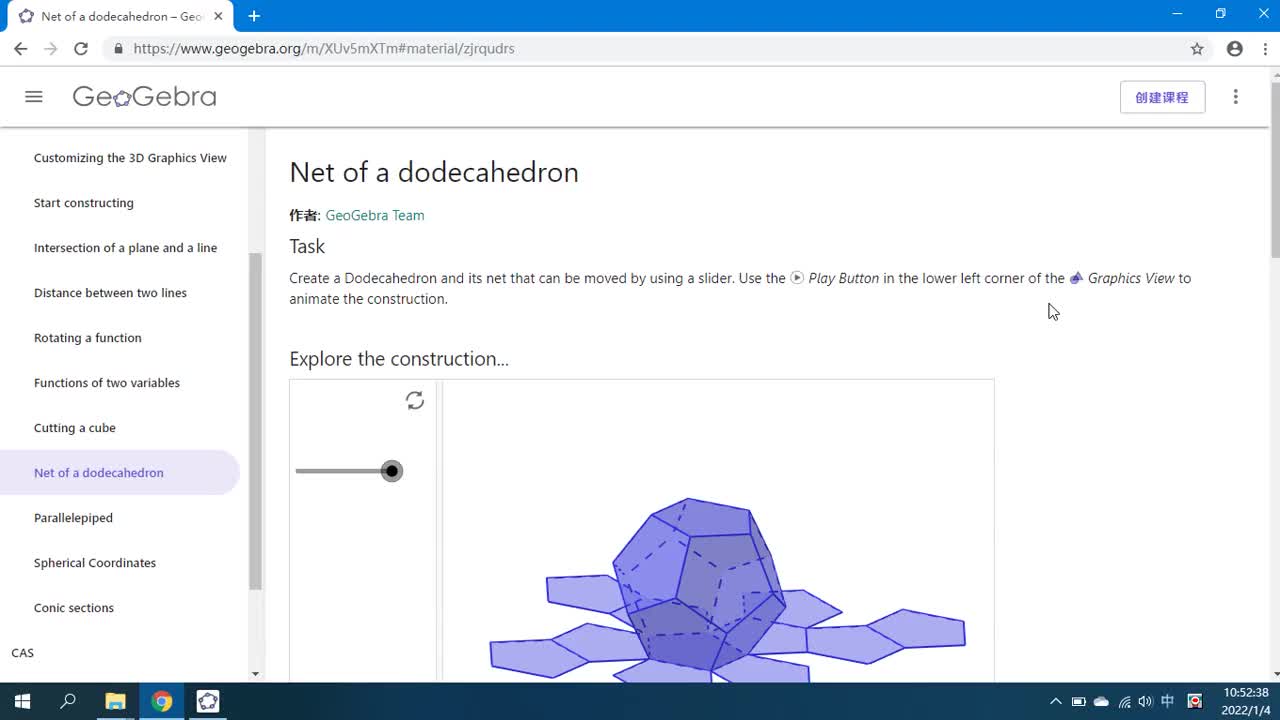
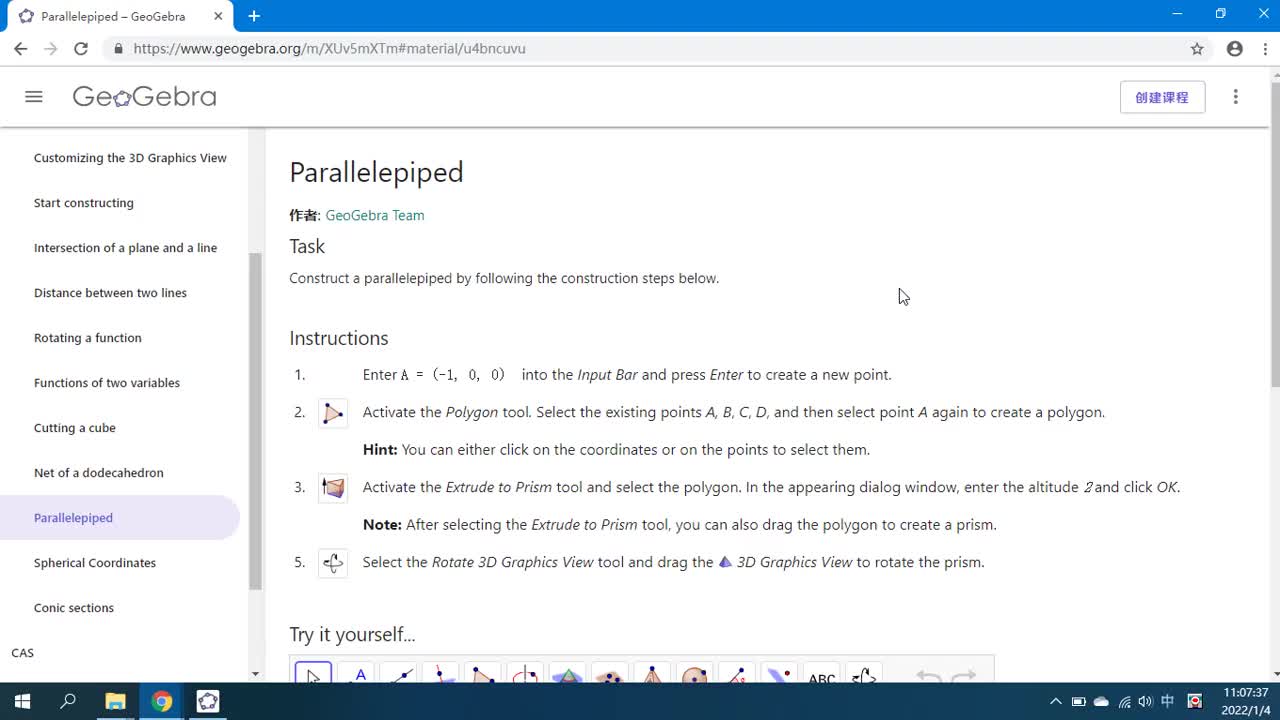
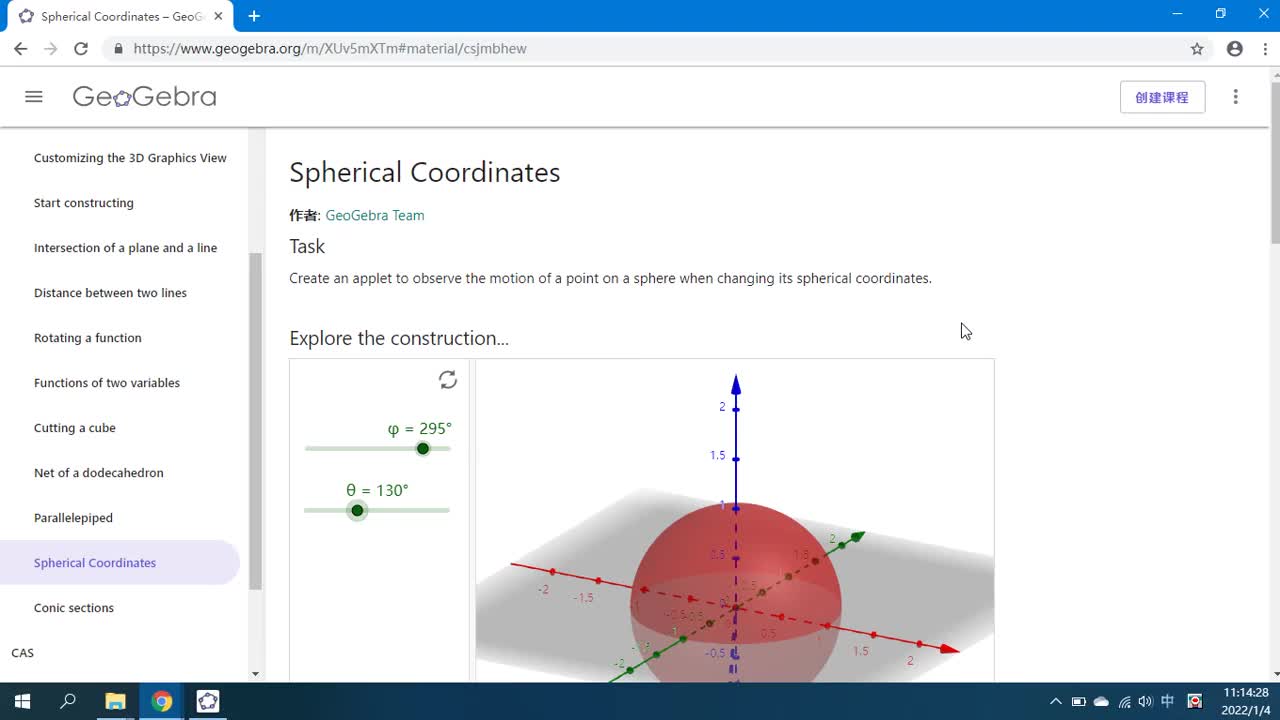
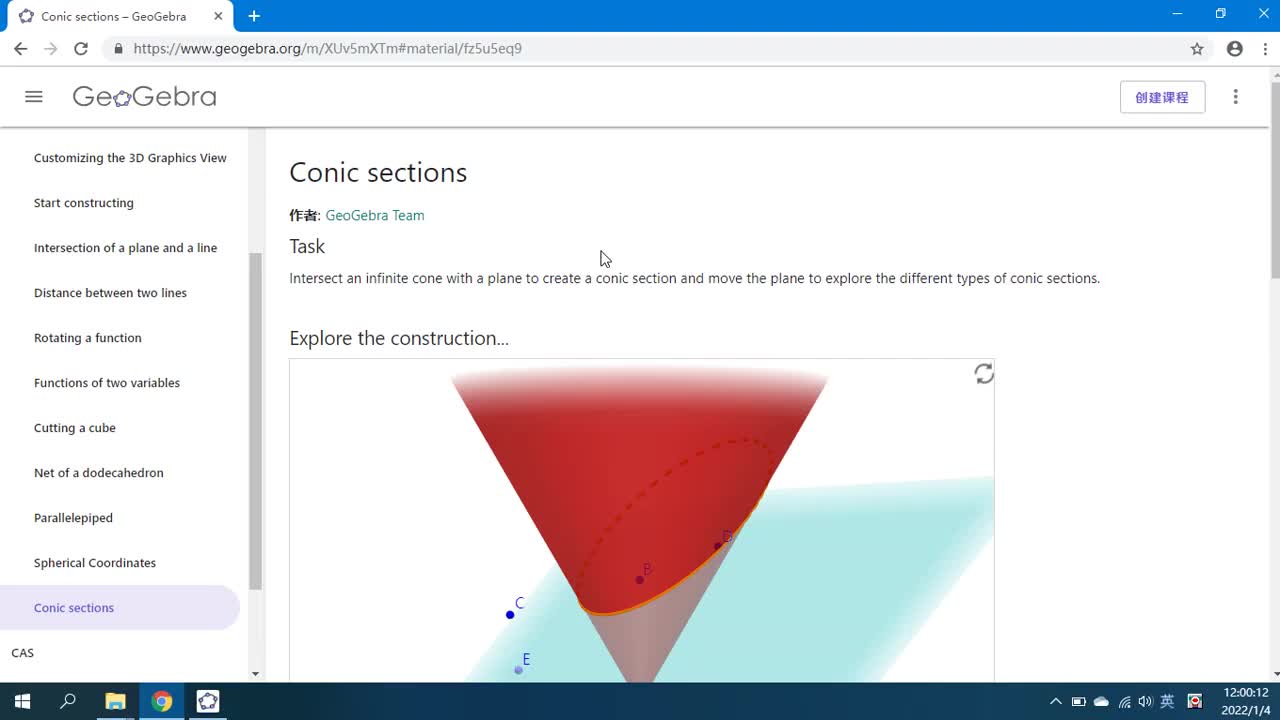
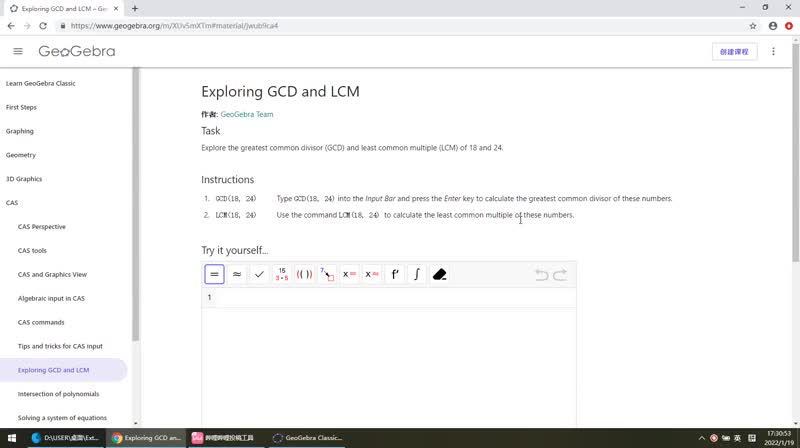
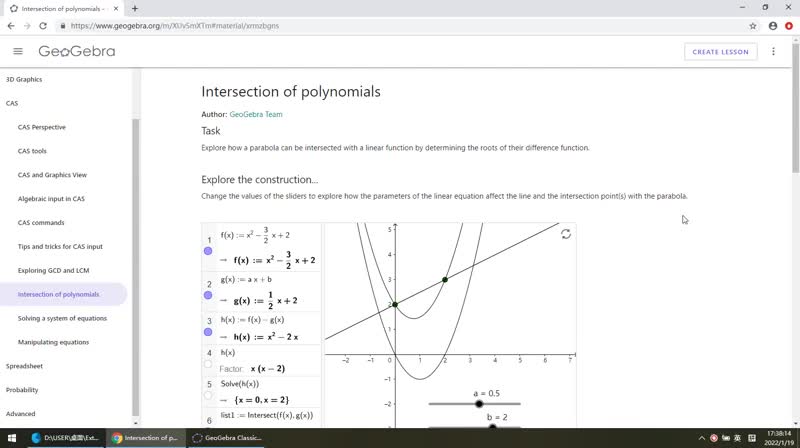
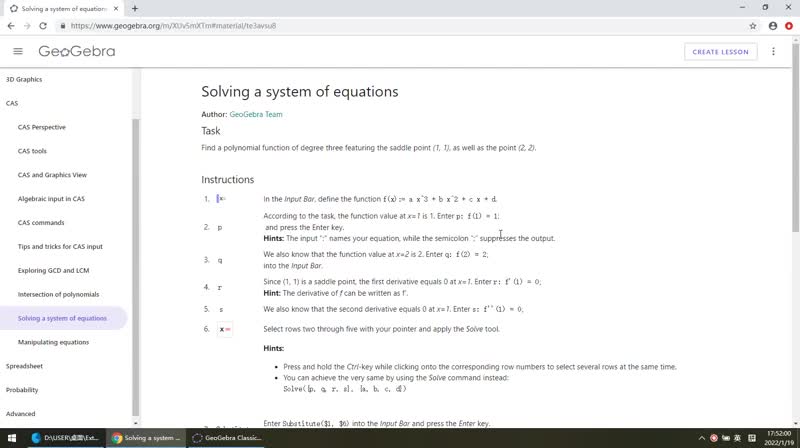
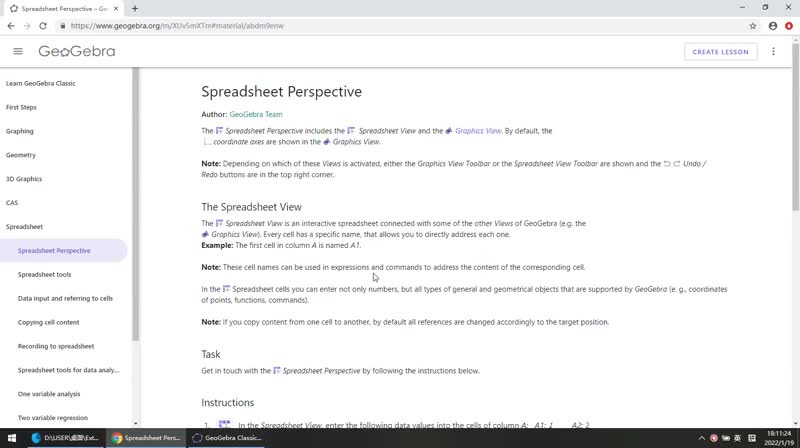
视频选集 How To Start 1.01 Comparison of GeoGebra 1.02 Introduction 1.03 Explore the app 1.04 Perspectives and Views 1.05 Tools 1.06 Commands 1.07 Style Bar 1.08 Settings 1.09 Tips for algebraic input 1.10 Renaming objects 1.11 Inserting static text 1.12 Inserting pictures 1.13 Saving GeoGebra files 2.1 Graphing Perspective 2.2 Functions and coordinates 2.3 Parameters of linear equations 2.4 Quadratic polynomials 2.5 Parameters of a polynomial 2.6 System of linear equations 2.7 Graphing derivatives 2.8 Derivation of sine 2.9 Linear inequalities 2.10 Assigning points to coordinates 2.11 Working with sequences 2.12 Visualizing integer addition 2.13 Visualizing multiplication 3.1 Geometry Perspective 3.2 Parallelogram 3.3 Equilateral triangle 3.4 Circumcircle of a triangle 3.5 Regular hexagon 3.6 Exploring symmetry 3.7 Transforming a picture 3.8 Translating pictures 3.9 Rotating polygons 3.10 Triangle inequalities 3.11 Angle sum in a triangle 3.12 Visualizing fractions 3.13 Dimensions of a circle 4.1 3D Graphics Perspective 4.2 3D Graphics tools 4.3 Customizing the 3D Graphics View 4.4 Start constructing 4.5 Intersection of a plane and a line 4.6 Distance between two lines 4.7 Rotating a function 4.8 Functions of two variables 4.9 Cutting a cube 4.10 Net of a dodecahedron 4.11 Parallelepiped 4.12 Spherical Coordinates 4.13 Conic sections 5.1 CAS Perspective 5.2 CAS tools 5.3 CAS and Graphics View 5.4 Algebraic input in CAS 5.5 CAS commands 5.6 Tips and tricks for CAS input 5.7 Exploring GCD and LCM 5.8 Intersection of polynomials 5.9 Solving a system of equations 5.10 Manipulating equations 6.1 Spreadsheet Perspective 6.2 Spreadsheet tools 6.3 Data input and referring to cells 6.4 Copying cell content 6.5 Recording to spreadsheet 6.6 Spreadsheet tools for data analysis 6.7 One variable analysis 6.8 Two variable regression 6.9 Scatter plot and best fit line 6.10 Chess and grains